
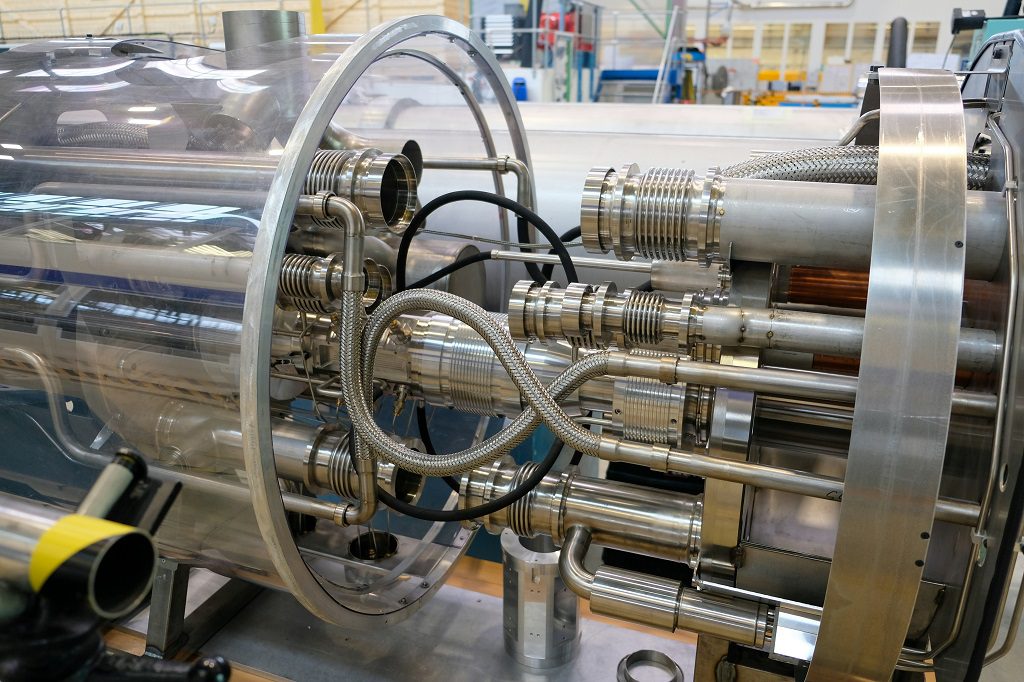
A quantum communication node associated with Bengaluru’s research institutions was reported as a step toward India’s quantum networking ambitions. Learn how the IISc, Raman Research Institute and National Quantum Mission fit into the project.
Tech News



Popular Posts




Windows
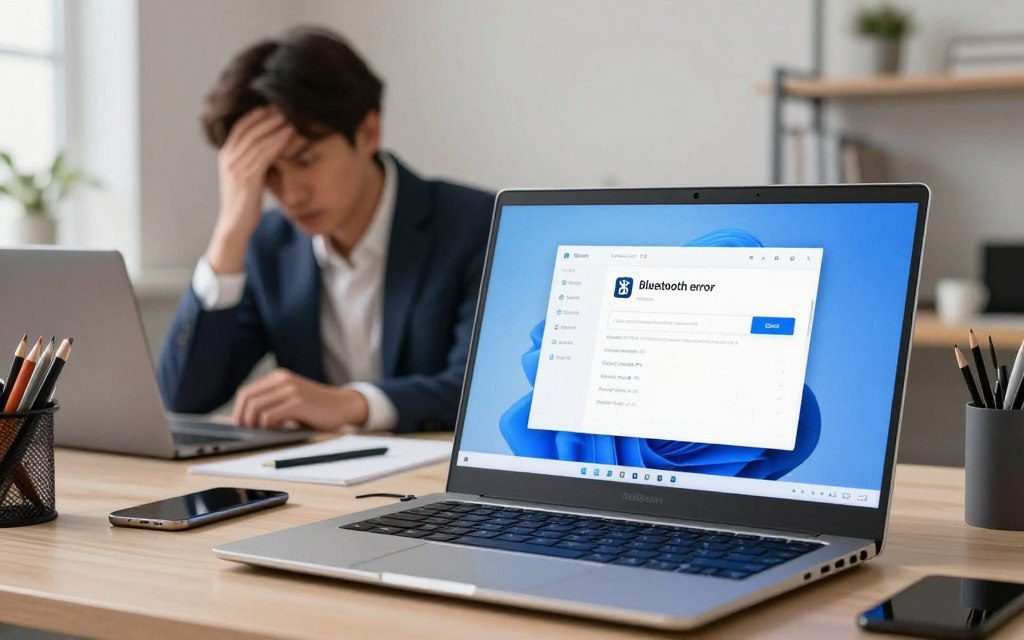
Windows 11 Bluetooth Not Connecting After Update? Fix It
Fix Windows 11 Bluetooth connection problems after an update. Check pairing, troubleshoot the Bluetooth service, and update, roll back, or reinstall the driver.
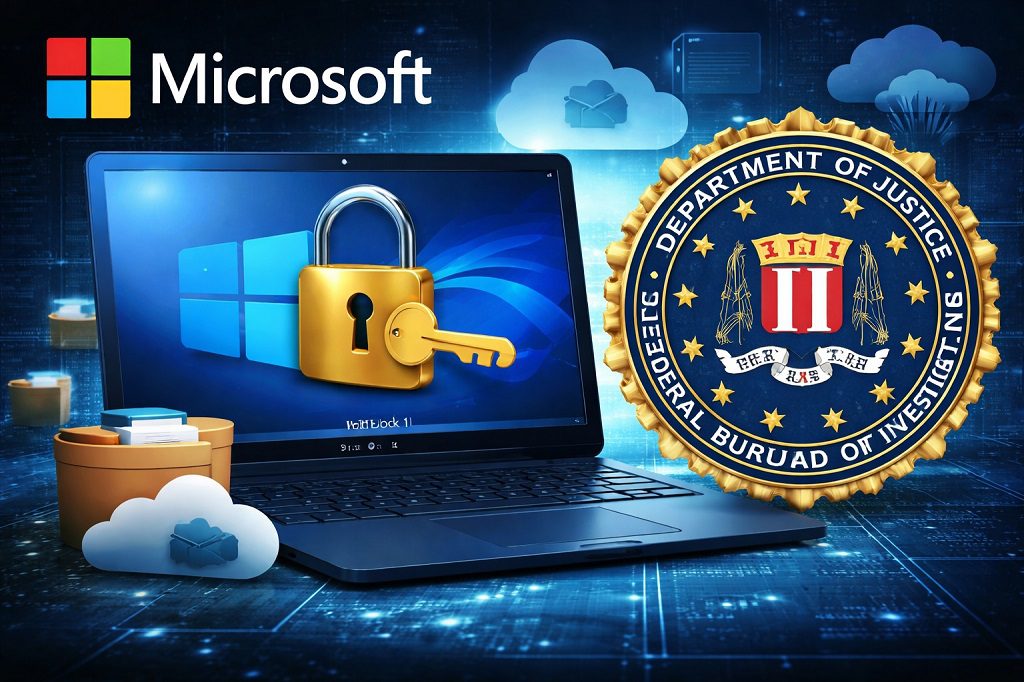
Microsoft Will Give BitLocker Keys to FBI? What Users Should Know
Understand how BitLocker recovery keys work, what Microsoft may be able to provide in response to valid law-enforcement requests, and steps to protect your device’s recovery key.
Microsoft Password Changes: What Users Should Know About Passkeys
Microsoft’s move toward passwordless sign-in raised questions about the future of traditional passwords and account security. This article explains the reported changes, how passkeys work and steps users can take to protect their accounts.
How To
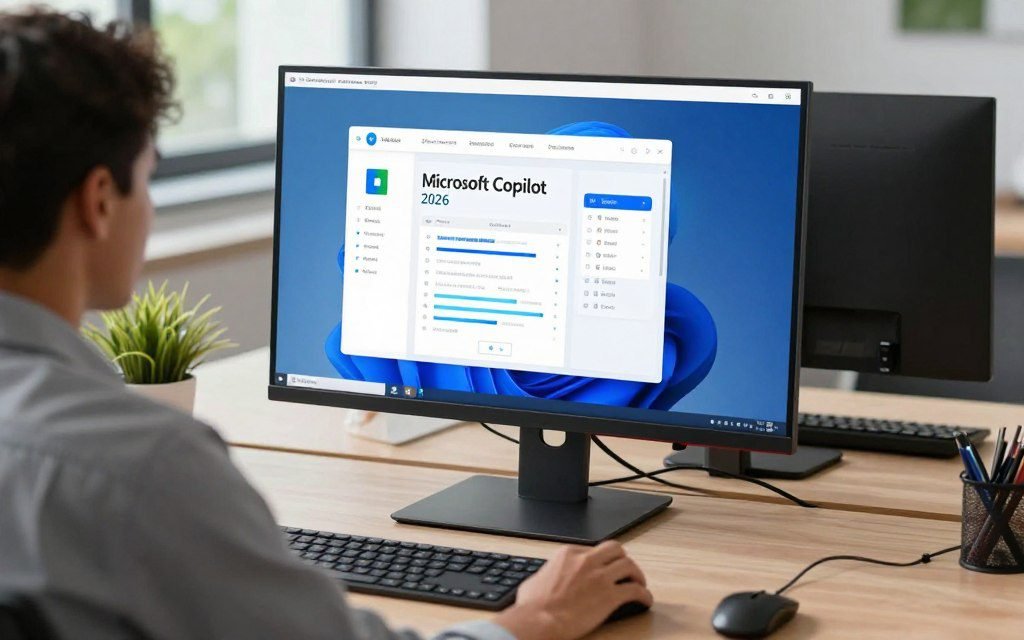
How to Use Microsoft Copilot: Practical Guide, Prompts & Tips
A practical Microsoft Copilot guide covering everyday tasks, useful prompts, writing, research and ways to get more value from Microsoft’s AI assistant.

How to Clear Google Search History on Android, iPhone & PC
Learn how to delete Google Search history from your Google Account, Android phone, iPhone, or desktop browser. Follow device-specific steps and set up automatic deletion.
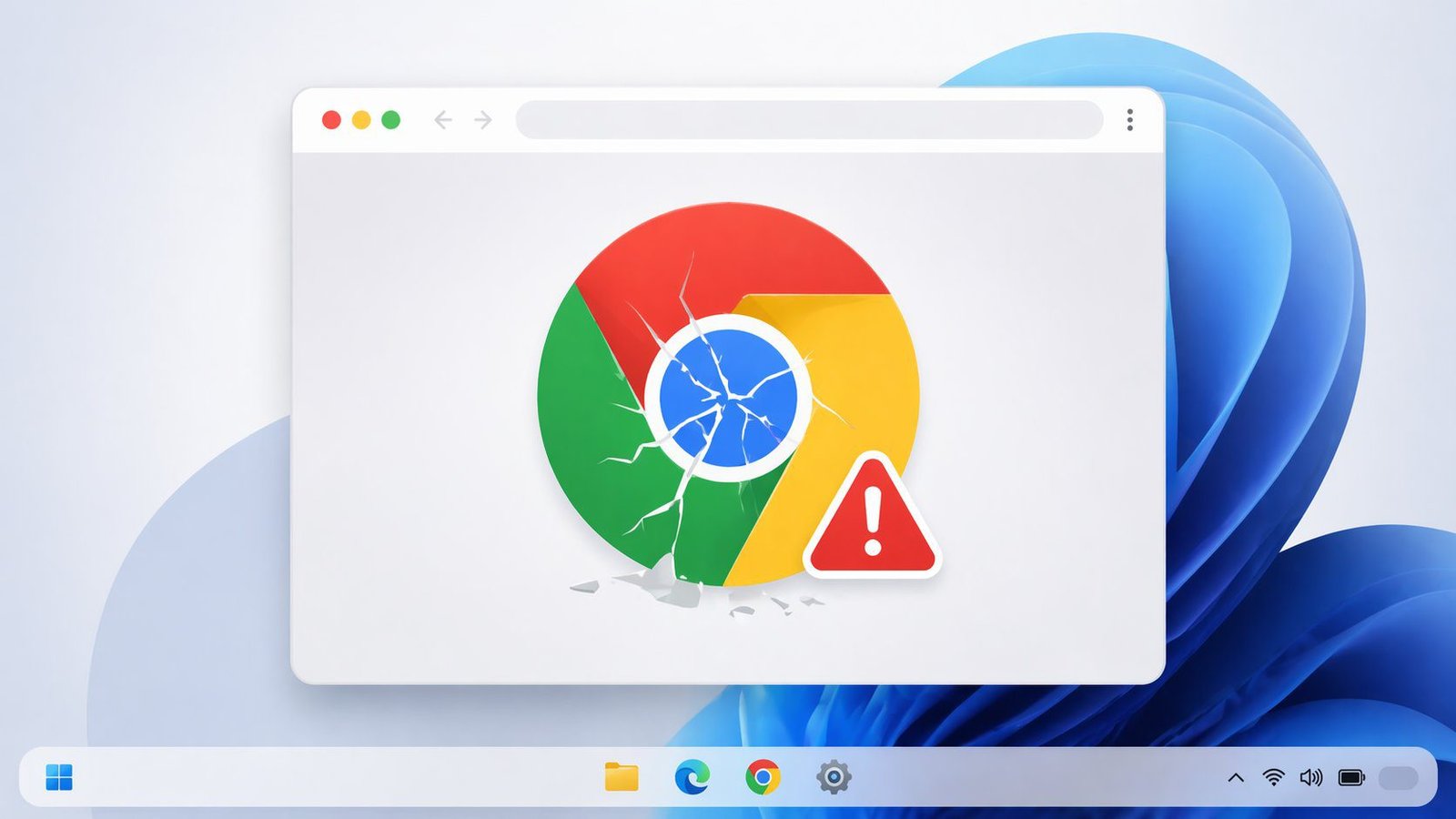
Google Chrome Keeps Crashing? 9 Fixes for Windows, Mac & Android
Google Chrome keeps crashing, freezing or closing unexpectedly? Try these nine troubleshooting steps for Windows, Mac and Android, from updating Chrome and testing extensions to checking memory, graphics settings and browser profiles.