
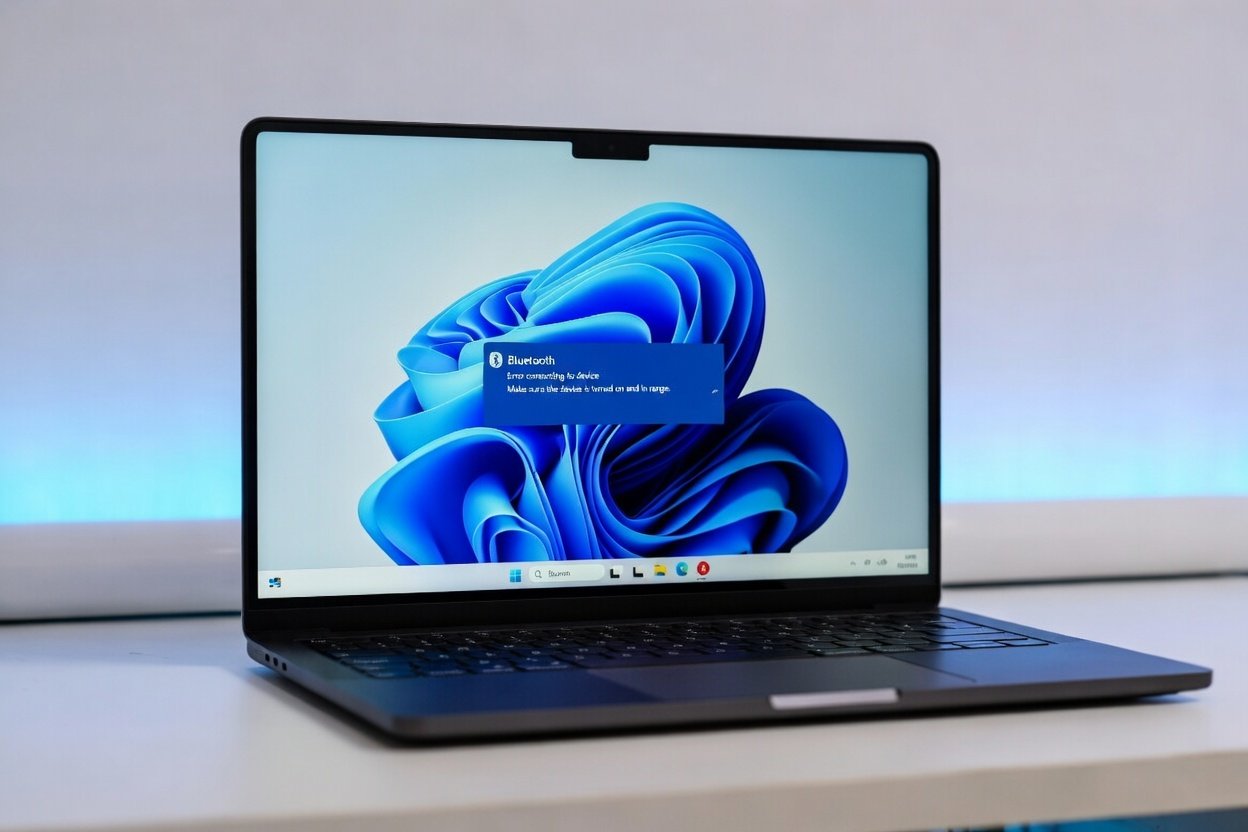
Fix Windows 11 Bluetooth Not Working Fast — Complete Guide (2026)
Windows 11 Bluetooth not working is one of the most common and frustrating problems users face in 2026. Whether your Bluetooth headphones won’t connect, your keyboard keeps dropping, or Bluetooth has completely disappeared from your settings — this guide covers every proven fix available right now.
Before you spend money on new devices or waste hours searching, work through these 10 fixes in order. Most users solve the problem within the first three steps.
Why Is Windows 11 Bluetooth Not Working?
Understanding the cause helps you find the right fix faster. The most common reasons Windows 11 Bluetooth stops working include:
- Outdated or corrupted Bluetooth drivers — the most common cause
- Windows 11 update conflicts — recent updates sometimes break Bluetooth
- Bluetooth service not running — gets disabled accidentally
- Power management settings — Windows turns off Bluetooth to save power
- Hardware switch turned off — especially on laptops
- Interference from other devices — routers, microwaves, other Bluetooth devices
- Corrupted system files — affects Bluetooth stack
- Wrong Bluetooth settings — misconfigured pairing or visibility options
Now let’s fix Windows 11 Bluetooth not working step by step.
Fix 1: Check Bluetooth Is Actually Turned On
This sounds obvious but Windows 11 has multiple places where Bluetooth can be switched off.
Check Quick Settings:
- Press Win + A to open Quick Settings
- Look for the Bluetooth button
- Click it to make sure it is turned ON (highlighted blue)
- If missing click Edit and add Bluetooth to Quick Settings
Check Settings:
- Press Win + I to open Settings
- Go to Bluetooth & devices
- Make sure the Bluetooth toggle is ON
Check Physical Switch: Many laptops have a physical Wi-Fi/Bluetooth toggle key. Check your Fn keys for a Bluetooth symbol and make sure it is not disabled.
Fix 2: Run the Bluetooth Troubleshooter
Windows 11 has a dedicated Bluetooth troubleshooter that automatically detects and fixes common problems.
- Press Win + I to open Settings
- Go to System → Troubleshoot → Other troubleshooters
- Find Bluetooth in the list
- Click Run
- Follow all on-screen instructions
- Restart your PC after completion
This single step fixes Windows 11 Bluetooth not working for a large number of users. Always try this before moving to advanced fixes.
Fix 3: Restart the Bluetooth Support Service
If the Bluetooth service has stopped running your devices will not connect at all.
- Press Win + R and type:
services.msc- Press Enter
- Scroll down and find Bluetooth Support Service
- Right-click and select Restart
- Right-click again and select Properties
- Set Startup type to Automatic
- Click Apply then OK
- Restart your PC
Also repeat this for:
- Bluetooth Audio Gateway Service
- Bluetooth Handsfree Service
- Bluetooth User Support Service
Fix 4: Update Your Bluetooth Driver
Outdated Bluetooth drivers are the number one cause of Windows 11 Bluetooth not working after updates.
- Right-click the Start button and open Device Manager
- Expand Bluetooth
- Right-click your Bluetooth adapter and select Update driver
- Choose Search automatically for drivers
- Install any available updates
- Restart your PC
If no update found: Visit your laptop manufacturer website directly:
- Dell: dell.com/support
- HP: support.hp.com
- Lenovo: support.lenovo.com
- Asus: asus.com/support
Download and install the latest Bluetooth driver manually for your exact model.
Fix 5: Reinstall the Bluetooth Driver
If updating did not work a clean reinstall often solves deeper driver corruption.
- Open Device Manager
- Expand Bluetooth
- Right-click your Bluetooth adapter
- Select Uninstall device
- Check Delete the driver software for this device
- Click Uninstall
- Restart your PC
Windows will automatically reinstall the Bluetooth driver on restart. Check if Bluetooth is working now.
Fix 6: Disable Bluetooth Power Management
Windows 11 aggressively turns off Bluetooth to save power causing constant disconnections.
- Open Device Manager
- Expand Bluetooth
- Right-click your Bluetooth adapter and select Properties
- Click the Power Management tab
- Uncheck “Allow the computer to turn off this device to save power”
- Click OK
- Restart your PC
This fix is especially effective for users whose Bluetooth works initially but keeps disconnecting after a few minutes.
Fix 7: Remove and Re-Pair Bluetooth Device
Sometimes the pairing data becomes corrupted causing connection failures.
- Press Win + I and go to Bluetooth & devices
- Find the problematic device
- Click the three dots next to it
- Select Remove device
- Confirm removal
- Turn your Bluetooth device off and back on
- Click Add device and pair it fresh
Fix 8: Run System File Checker
Corrupted Windows system files can break Bluetooth completely.
- Press Win + S and search Command Prompt
- Right-click and select Run as administrator
- Type this command and press Enter:
sfc /scannow- Wait for the scan to complete — this takes 10-15 minutes
- If issues found type this next:
DISM /Online /Cleanup-Image /RestoreHealth- Restart your PC after both complete
Fix 9: Check for Windows Updates
Microsoft frequently releases patches specifically for Bluetooth bugs in Windows 11.
- Press Win + I and go to Windows Update
- Click Check for updates
- Install all available updates including optional ones
- Restart your PC and test Bluetooth
If a recent Windows update broke your Bluetooth you can also try:
- Go to Windows Update → Update History
- Click Uninstall updates
- Remove the most recent update
- Restart and test
Fix 10: Reset Network and Bluetooth Stack
If nothing else works this advanced fix resets the entire Bluetooth and network configuration.
- Press Win + S and search PowerShell
- Right-click and select Run as administrator
- Type these commands one by one:
netsh winsock reset
netsh int ip reset
ipconfig /flushdns- Restart your PC
- Go to Settings → Bluetooth & devices
- Toggle Bluetooth off and back on
- Re-pair your devices fresh
Windows 11 Bluetooth Not Working — Device Specific Fixes
Bluetooth Headphones Not Working
- Make sure headphones are in pairing mode
- Remove and re-pair using Fix 7
- Check audio output: Right-click speaker icon → Sound settings → set output to your headphones
Bluetooth Mouse or Keyboard Not Connecting
- Replace batteries first
- Try Fix 6 (Power Management)
- Remove and re-pair using Fix 7
Bluetooth Disappeared From Settings
- This means driver is completely corrupted
- Follow Fix 4 and Fix 5 in order
- If still missing check Device Manager for Unknown devices and update those
Bluetooth Not Working After Windows Update
- Try Fix 9 (uninstall recent update)
- Then reinstall driver using Fix 5
How To Prevent Windows 11 Bluetooth Problems
Follow these tips to avoid future Bluetooth issues:
✅ Keep Windows 11 updated regularly
✅ Update Bluetooth drivers every 3 months
✅ Disable power management (Fix 6) permanently
✅ Keep devices within 10 meters of PC
✅ Avoid interference from routers and microwaves
✅ Remove old paired devices you no longer use
✅ Restart PC weekly to clear Bluetooth cache
Frequently Asked Questions
Why did Windows 11 Bluetooth suddenly stop working? Usually caused by a Windows update that conflicts with your Bluetooth driver. Fix 4 and Fix 9 solve this in most cases.
How do I know if my Bluetooth adapter is broken? If Bluetooth completely disappears from Device Manager even after driver reinstall your hardware adapter may be faulty. Consider a USB Bluetooth adapter as a replacement.
Can I add Bluetooth to a PC that doesn’t have it? Yes. A USB Bluetooth adapter costs under $10 and works plug and play on Windows 11.
Why does my Bluetooth keep disconnecting every few minutes? Power management is turning off your adapter. Fix 6 solves this permanently.
Is Windows 11 Bluetooth worse than Windows 10? Windows 11 has more Bluetooth compatibility issues due to new driver requirements. Keeping drivers updated resolves most problems.
Fix Windows 11 Bluetooth Not Working Today
Windows 11 Bluetooth not working is frustrating but fixable with the right steps. Start with Fix 1 (check it is on) and Fix 2 (troubleshooter) then work through the list. The majority of users solve the problem by Fix 4 (driver update).
For official Microsoft guidance check the Microsoft official Bluetooth troubleshooting guide and learn how to update Bluetooth drivers from Microsoft.
Bookmark this page and share it with anyone facing Bluetooth problems on Windows 11.
For more free tech tools visit ZapWebTools.com
