
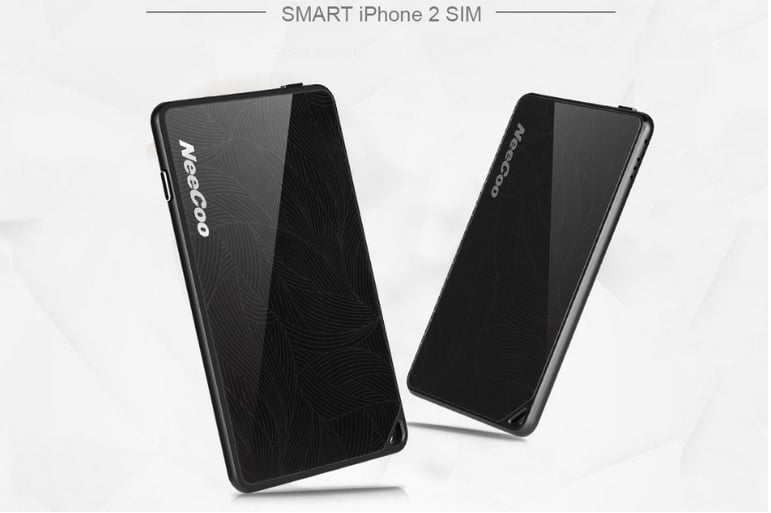
NeeCoo Bluetooth Dual SIM Adapter for iPhone Features and Installation Guide
The NeeCoo Bluetooth Dual SIM Adapter is a revolutionary device that allows your iPhone to support dual SIM cards. Additionally, it enables call functionality for your iPad, iPod, and iTouch. With an ultra-thin, high-strength aluminum alloy frame, this adapter is not only stylish but also highly portable.
Features of the NeeCoo Bluetooth Dual SIM Adapter
- Dual SIM Support: Seamlessly switch between two SIM cards on your iPhone.
- iPad and iPod Call Function: Extend call functionality to your iPad, iPod, and iTouch devices.
- Bluetooth 4.0 Camera Remote: Control your phone’s camera remotely using the adapter.
- Anti-Lost Alarm: Reduce the risk of losing your iPhone with the anti-lost alarm function.
- iOS Compatibility: The adapter is compatible with iOS devices, including iPhone, iPad, iPod, and iTouch.
How to Install the App and Set Up the Adapter
- Go to the App Store and search for the “morecard” app.
- Download and install the app on your iPhone or other iOS devices.
- Insert the micro SIM card into the NeeCoo Bluetooth Dual SIM Adapter.
- Pair the adapter with your iPhone via Bluetooth.
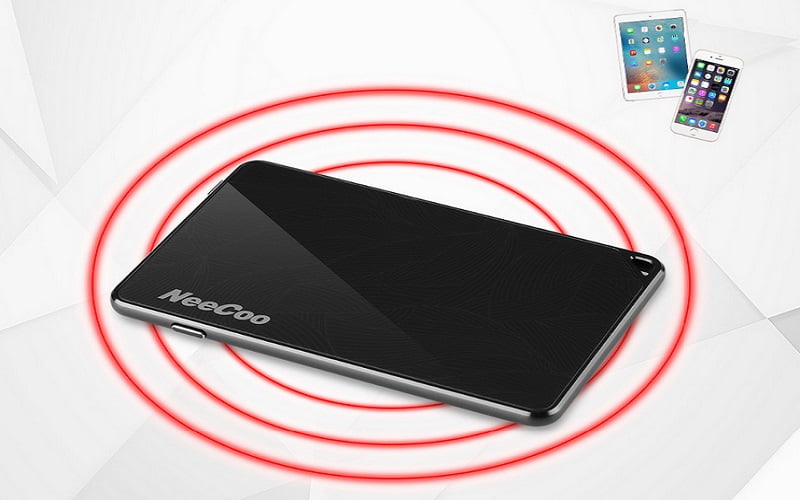
Making Phone Calls and Sending SMS Messages
- Launch the “morecard” app and access the call, contacts, or messages user interface.
- Use the provided keypad within the app for making phone calls and sending SMS messages.
- Note that the app does not support contacts editing. Edit contacts using the native iPhone contacts app.
Remote Camera Shutter Functionality
To use the remote camera shutter function with the NeeCoo Bluetooth Dual SIM Adapter: A. Connect the “morecard” app on your iPhone to the adapter within the working range. B. Open the camera window in the app’s settings. C. Use a single press of the camera shutter to take a photo. D. Please note that video shot operations are not supported.
Connect iPhone and Disconnect Alarm Function
After inserting the micro SIM card and pairing the adapter with Bluetooth:
- Open the “morecard” app and access the settings menu.
- Check the connection status to ensure the adapter is properly connected.
- If the distance between the adapter and your iPhone exceeds the working range of 10 meters, the app will beep to alert you. This feature helps prevent loss and reminds you to take care of your iPhone.
Conclusion
The NeeCoo Bluetooth Dual SIM Adapter for iPhone provides an innovative solution for users who require dual SIM functionality. With features like remote camera control, anti-lost alarm, and support for multiple iOS devices, this adapter offers enhanced convenience and flexibility. Install the “morecard” app, follow the provided instructions, and unlock the full potential of your iPhone today.
